





I recreated one of the first programs I ever wrote.
Posted
#1
(In Topic #949)
Trainee


I recreated one of the first programs I ever wrote with Visual Basic 6, also being one of the first programs I ever made, back in 2007 - 2008.
I made the code publicly available here: https://github.com/rokyed/lucky7-gambas
TLDR;
While searching the web for Visual Basic 6 as of a nostalgic recollection. I stumbled on Gambas 3 which blew my mind away, as it feels so much like Visual Basic 6, I now know that the original author of Gambas doesn't want it to be Visual Basic and I totally respect that!!
After now 7 years of professional experience, I'm trying to remember how to use properly Basic for Gambas 3. I don't know yet what use I might have for Gambas, but eh, it sparks a joy in me, to do some code as a hobby in it.
I will continue to explore and figure out how and if I can contribute, I know right now is too early, but I can see this project on the scale of Scratch where kids can learn it and become proficient programmers.
TLDR end;
Thank you very much!! Hope you like it.
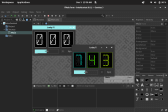
(Click to enlarge)


Posted

Guru


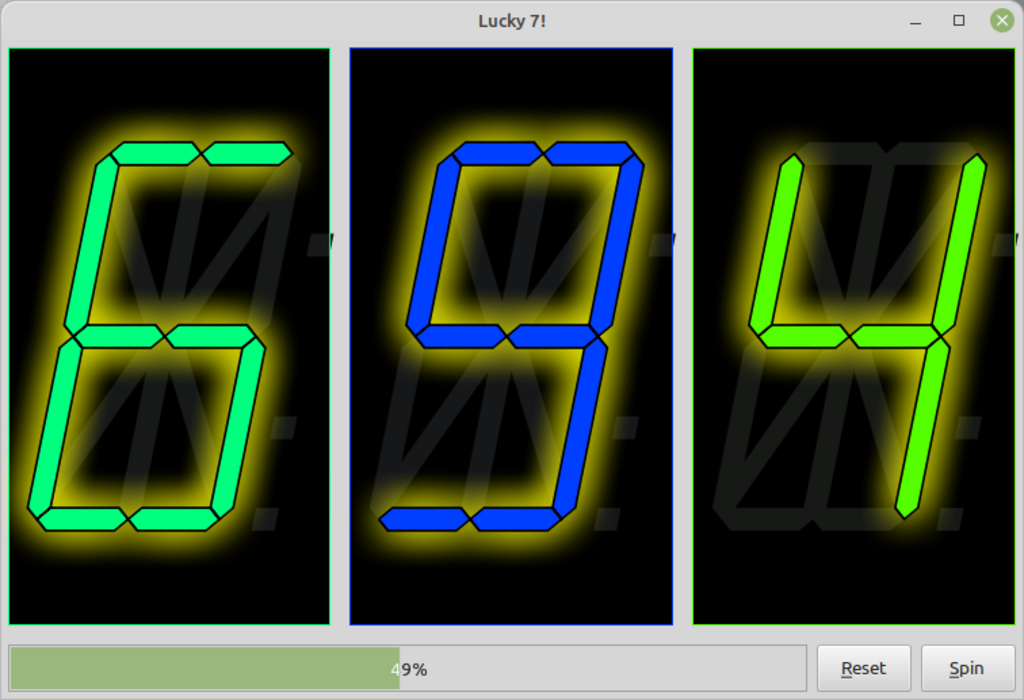
I had a look at your program, it does the job, but I felt there were a few additions I could add to help you on your way with Gambas. Download available below. Feel free to keep or ignore any changes.
I have made the form fully resizeable. Note that if you have a single instruction in an If statement, you can do it all on one line.
<IMG src="https://www.cogier.com/gambas/Lucky7.png">
 </IMG>
Posted
Trainee
cogier said
Hi rokyed and welcome to the forum.
I had a look at your program, it does the job, but I felt there were a few additions I could add to help you on your way with Gambas. Download available below. Feel free to keep or ignore any changes.
I have made the form fully resizeable. Note that if you have a single instruction in an If statement, you can do it all on one line.
<IMG src="https://www.cogier.com/gambas/Lucky7.png">
lucky7-CO-0.0.1.tar.gz
Very nice!! I can barely remember basic
VB6 used to have anchors but I didn't look at how that works in Gambas.
1 guest and 0 members have just viewed this.