I would like to help but I never had the need for a pdf viewer or anything of the kind.
I did create pdfs using gb.cairo, but that is a whole other matter.
I guess you will need to look into https://gambaswiki.org/wiki/comp/gb.poppler/pdfdocument for viewing.
Actually I learn with the m3u project how to do it with Gambas. First it was just creating and editing m3u Files (yes, even VLC can handle m3u files 😀). But learning by doing is the best way for me and also putting some ideas in the project. Now I'm also extending the project with an mp3 player - there are plenty of it.
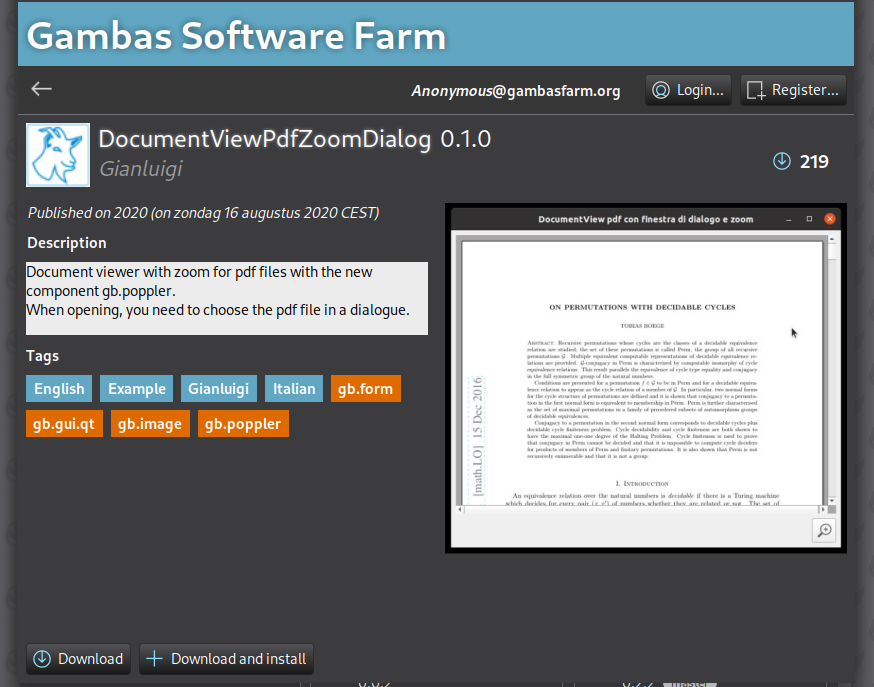
But back to the topic, one idea was to give a little help by opening a PDF file. Not everyone has good eyesight; I wear glasses myself, so I simply wanted to incorporate a zoom feature. That worked out great with the gb.PDF Let's see how it works out with the poppler PDF component.
Regarding the software farm, I didn't understand the filter thing, thanks for pointing that out!
The older you get, the more you expect things to work a certain way. I was looking for the term or symbol “search” or “find.”
At the moment first I look in the mentioned Gambas Book. If I don't find in short time what I'm looking for next is the forum, then startpage.com. Doesn't mean that the info I'm looking for is not in the book, just not finding it. Next is getting to the community 😇
I downloaded it some time ago. I prefer the German language, but English has always been the main language for programming. Greetings to the Netherlands (or even Holland 😀) Kind Regards Yogi
and played around, at the first sight it worked with zooming in. So of course I can use this as a sample. Next I found out that there is no zoomOut there, ok, copied the sub for zooming in …
and had a try. Zooming in worked, zoomig out worked - but this doesn't work as expected, the PDF becomes somehow clipped. OK, next step. Downloading the PDF-Reader from Gambas Book PDF Reader from Gambas Book
There I found out, that there is some difference which version of Gambas you are using for rendering the page in
'-- My standard for rendering method in V3.19.0 after a few bug fixes in gb.poppler IfSystem.FullVersion="3.19.0"Then '-- 150 dpi provides a better quality in the DocumentView but slower
Paint.DrawImage(hPdfDocument[Page].Render(,,,,, 150), 0, 0, width, height) ElseIfSystem.FullVersion>="3.19.1"Then '-- Refer to Mailing List email of Benoît Minisini in the 'Notes' file in the project directory '-- https://lists.gambas-basic.org/pipermail/user/2024-February/081570.html '-- Quote: In the last commit, I modified the Render() method so that if you '-- specify the width And height arguments, And Not the resolution argument, '-- the best drawing resolution will be automatically computed.
'-- Automatically choosing the resolution for a good readable result in a DocumentView,
Paint.DrawImage(hPdfDocument[Page].Render(0, 0, Width, Height), 0, 0) Else Message.Error("Gambas 3.19.0 is the minimum version for a reasonable use of gb.poppler") Endif
As I am on Gambas 3.20.4 copied just the one line, changed the variable and voila, now it works in both directions zooming in & out.
Been looking at the code in above link and it's actually quite easy to create a pdfviewer
A lot easier that creating a pdf using gb.cairo
I might be adding this as an GUI application to build in Book 2 I'm writing.
It is a very practical application to have on a system and a good example to use for demonstrating 'stuff'…
I see some educational value in it
HI, To achieve what you want, I think you'll also need to create the index.
Unfortunately, I don't have much time to devote to Gambas these days. If you haven't solved the problem in the meantime, I'll send you some code. Sorry.
I tried out your sample but could not make it running. Unknown ListViewPages…
For the handling I used the PgUp/PgDn keys for showing previous/next PDF pages which is already working. The scrolling part with the arrow up/Down keys I have no clue how to scroll the pdf just like the mouse wheel,
Dear Yogi (explain to me how to enter your name like you did mine) I meant something like this. See the attached project, which is a "reduction" of the one in the lesson.
Dear Yogi (explain to me how to enter your name like you did mine)
I meant something like this.
See the attached project, which is a "reduction" of the one in the lesson.
Dear Yogi (explain to me how to enter your name like you did mine) I meant something like this. See the attached project, which is a "reduction" of the one in the lesson.
Good morning, Yes, it is that simple, just using the "@" and a few characters and the system - as it is supported by most of the chat systems - will give you a hint which person to address.
Thanks again for your help, Have a nice day, Regards, Yogi
I may not have explained very well what I wanted to achieve. Here is a short video with the standard viewer in Ubuntu, where it works with both the mouse wheels and the up/down keys in the same way.
In Gambas, it works with the mouse without any additional actions, but doesn't with they down/up keys.
pdfreader720.mp4
The jumping forward/backward one page is working already and I'm happy with it. Just this detail with smooth scrolling with the Down/Up keys…
Dear
Gianluigi
, I had already a look at this website Wiki and I am more confused than before. I thought I can have the documentview container to get it work. After the Italian Wiki I had no idea because of the different containers used for showing the PDF.
Now I think I quit, just had my "working" code tested with the PDF provided by the samples for download with different page sizes, and what - my code doesn't work as expected. If all is size A4 no problem, but if mixed up…
Anyway, if someone is interested in the sample I did:
Dear
Gianluigi
, Thank you for giving a lesson in arranging the container in a form. Much appreciated because I did the last time a view to resize automatically the objects and container on a form without using the sourcecode. Not that easy if your are not aware of the actions done by arrange, expand, resize etc.
But 😂 it doesn't change anything to my problem regarding scrolling and viewing the PDF Files. Anyway, thanks a lot!













 Last edit: by gbWilly




